
Your PDF, as a book people can turn.
FlipTurn makes a page-turning flipbook from a PDF or a set of images, then exports a website you upload to your own host and embed on any page.
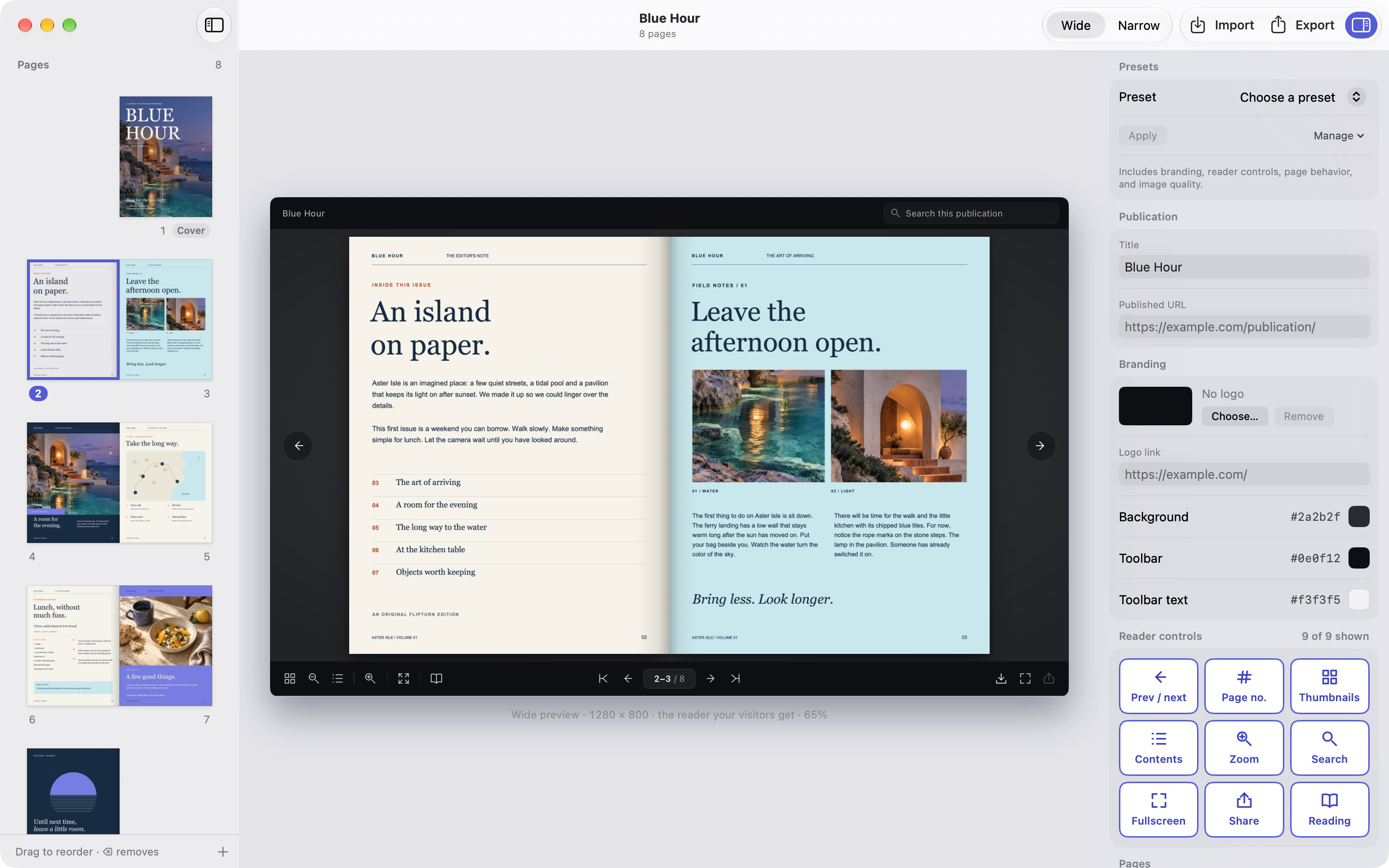
Import. Brand. Export.
How it works →Drop in a PDF or images
Import every page or a range like 1, 3, 5–8. FlipTurn keeps the text, links and bookmarks of the PDF for search and contents.
Make it look like the site
Add the logo and its link, set the background and toolbar colours, and choose which reader controls to show. Save the look as a preset for the next edition.
Export a website
You get a folder and a ZIP to upload to any web host, plus one iframe snippet to paste where the book should appear.
Turns like paper. Reads on any screen.
Visitors drag a corner or click to turn. Desktops show two pages side by side; phones show one, with swipe and pinch to zoom. Search, contents, thumbnails and the PDF download are a tap away.
All reader features →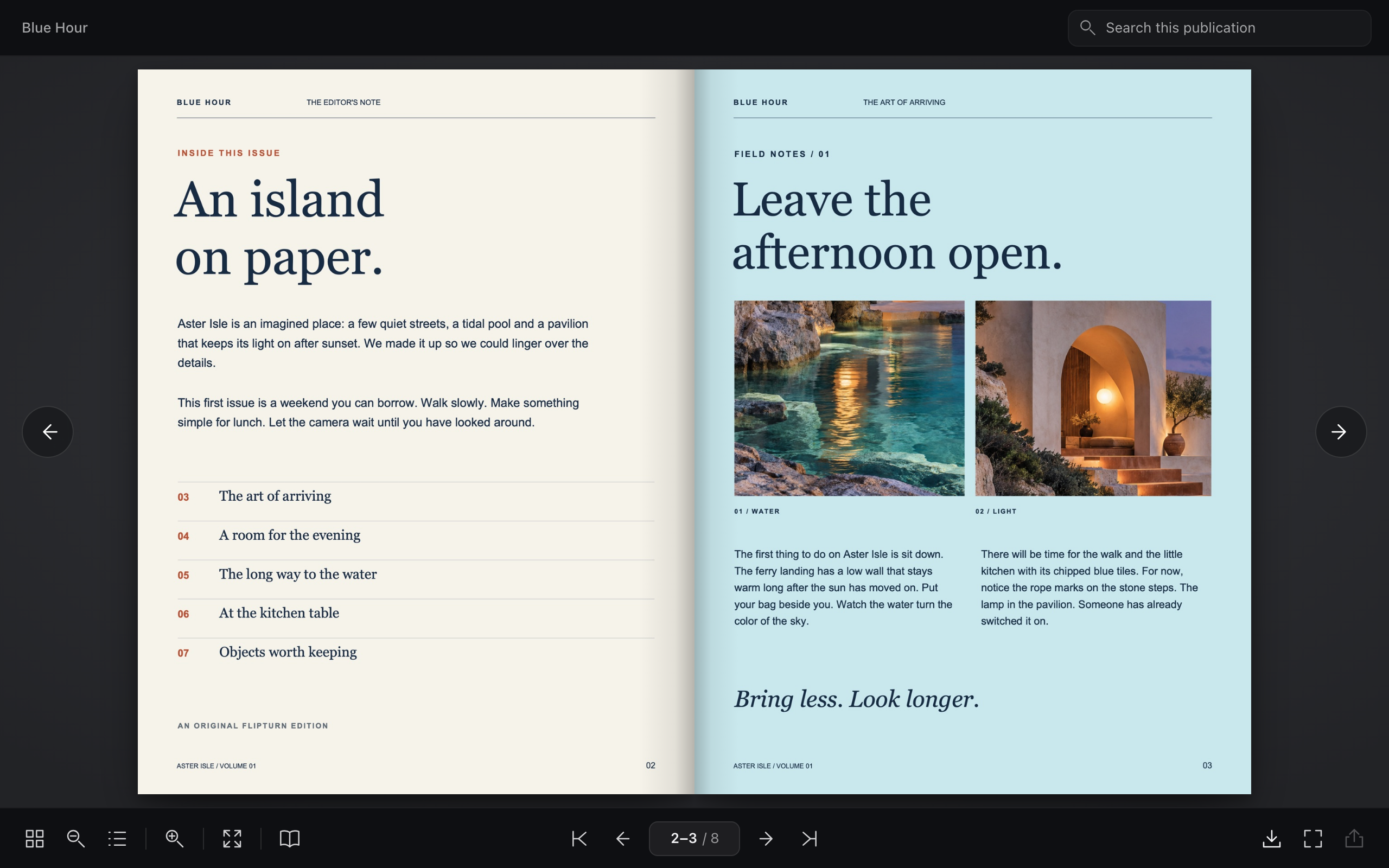
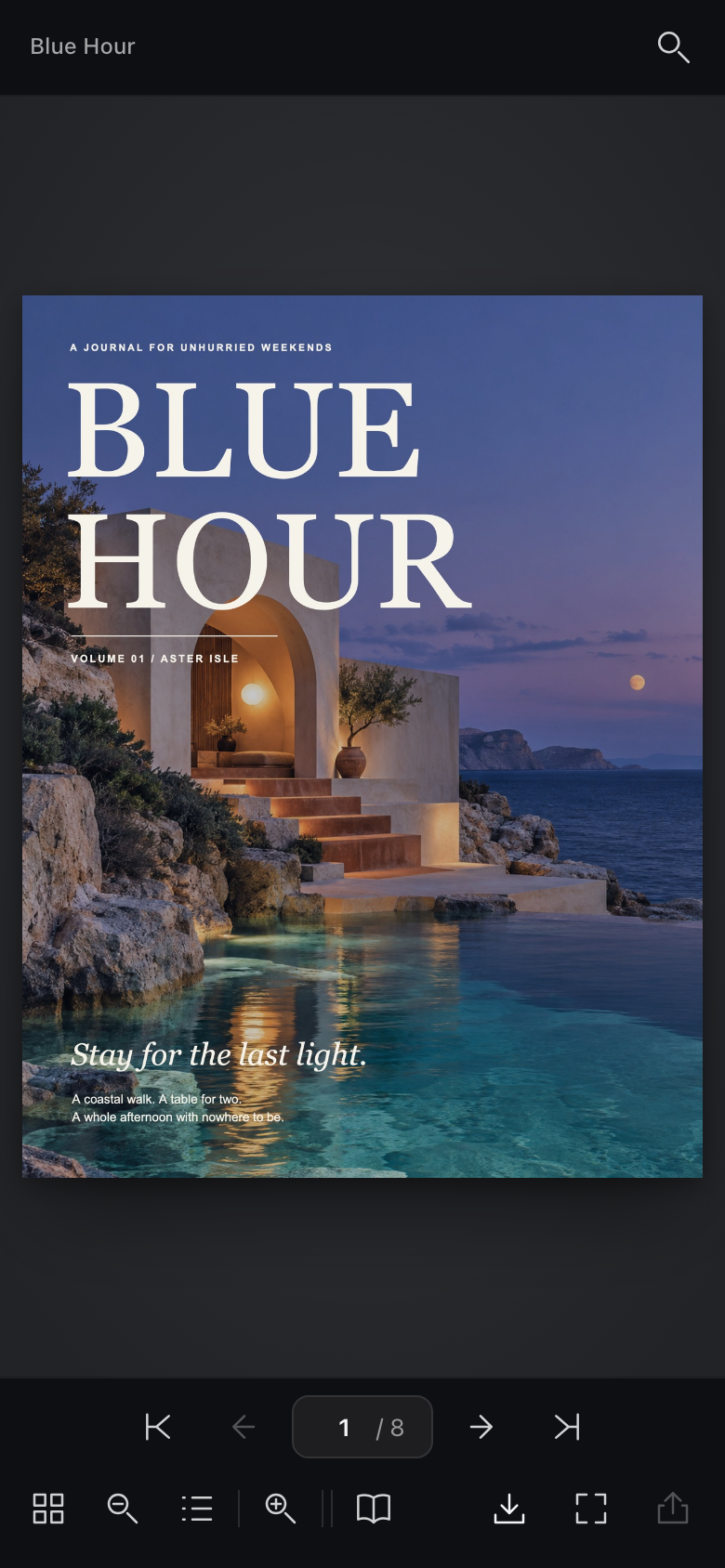
Nothing leaves your Mac.
FlipTurn works on your files where they are. Publications go only to the host you upload them to.
Read the privacy policy →